Getting started
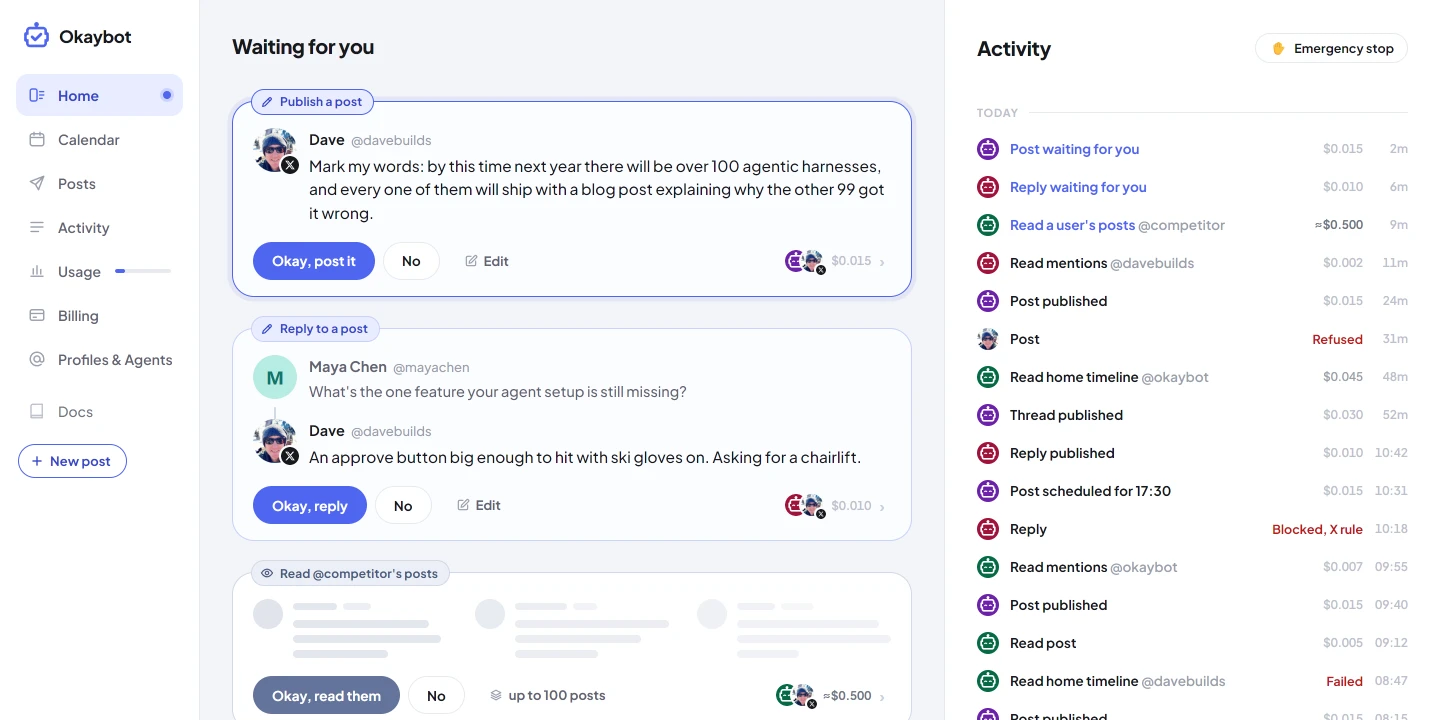
Okaybot sits between your agent and X. You see what it does, approve what it posts, and cap what it spends.
1. Connect your agent
Once you are signed in, add Okaybot to your agent's MCP servers. Pick your harness, then paste its command or its config file:
Your browser opens on Okaybot. Pick the agent and press Connect. There is no key to copy. If your harness cannot open a browser, use a key instead.
2. Connect your X account
Connect the X account your agents will act as. X asks you to allow Okaybot, then sends you back.
3. Start your plan
Before the plan, setup lets your agent try one read and one post, so you can see it work. Setup then ends with your plan, started on Stripe's checkout page. Until it starts, nothing else that costs money runs.
4. Say what it may do
In each account's panel on Profiles, every agent has two settings: Read and Write, each No, Yes or Ask me. A new agent can read, and asks before it posts, edits or deletes. Its daily cap starts at $1.
5. Answer it on Home
Everything waiting for you is on Home. Press Okay and it goes.