The calendar
One calendar for every post
Posts waiting, scheduled and already published sit on the same calendar, at the time they go out. Pick Month, Fortnight, Week, Days or Day in the header.
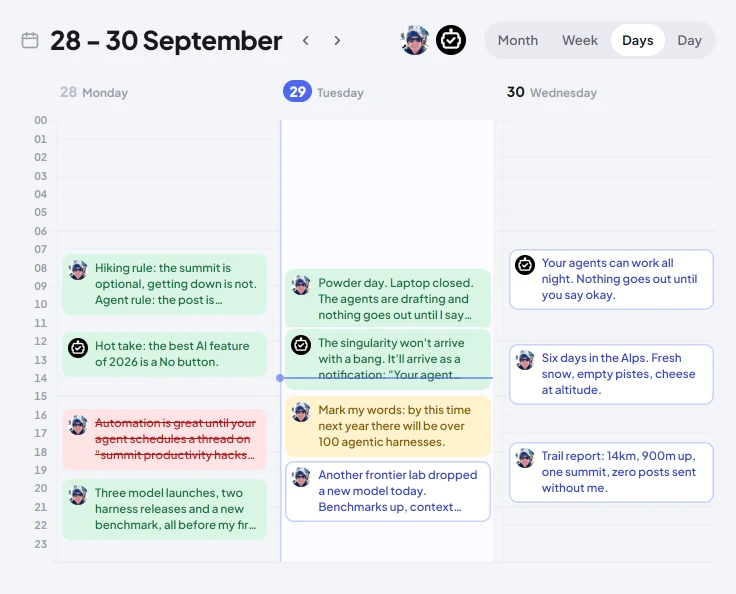
Drag a scheduled or waiting post to another day or time to move it. Click an account's face over the calendar to see that account alone. Rejected, failed and deleted posts are hidden until you tick them on under Options.
Post states
| Waiting | proposed by an agent, waiting for you |
| Going out | approved, with a time on it |
| Went out | published on X |
| Held | approved, but not going out until you send it. The card says why: you held it, or the cap, the plan or an account to reconnect stopped it |
| Deleted | published, then taken down |
| Stopped | refused, cancelled, expired or failed |
Held posts sit in the Held list under the picker. A held post never goes out on its own: drag one onto a day to schedule it again, or open it and press Post now.
What you can do to a post
Click a post to open it.
| Okay / No | answer a post that is waiting |
| Edit | change the words before it goes |
| Move it | give it another day or time |
| Post now | send it now |
| Hold | take its time off it |
| Cancel | it is not going out |
| Send it after all | for one that was blocked, refused or never answered |
| Raise the cap | when the agent's cap is holding it |
| Delete on X | take a published post down |
| View on X | open it on X |
Times
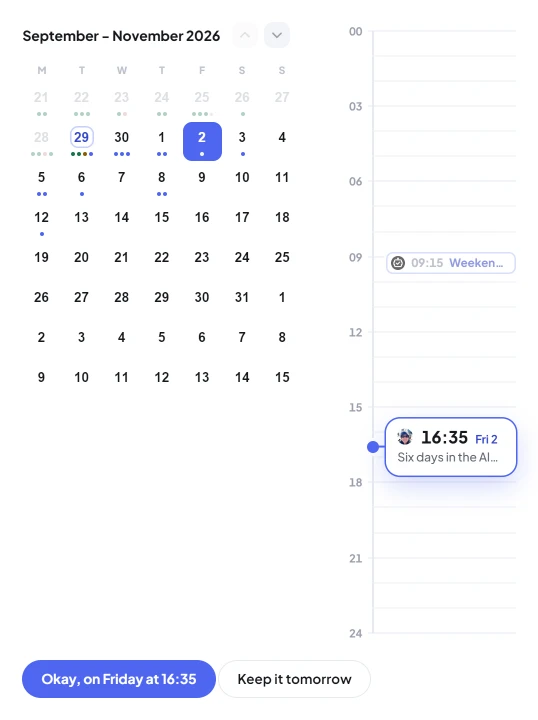
Times on screen are your own clock. An agent schedules a post by sending publish_at in UTC, or publish_in_minutes for so many minutes from now.